Preview Deployments
Preview deployments allow you to see how your documentation changes will look before merging them into your main branch. When you open a pull request, Docs automatically creates a preview deployment and can post a comment with a link to preview your changes.
Enable in the Dashboard
Configure preview deployments and pull request comments in the Scalar Dashboard under your project settings. You can:
- Enable preview deployments for every pull request
- Enable automatic comments on pull requests with a direct link to the preview
GitHub Pull Request Comments for Preview Deployments
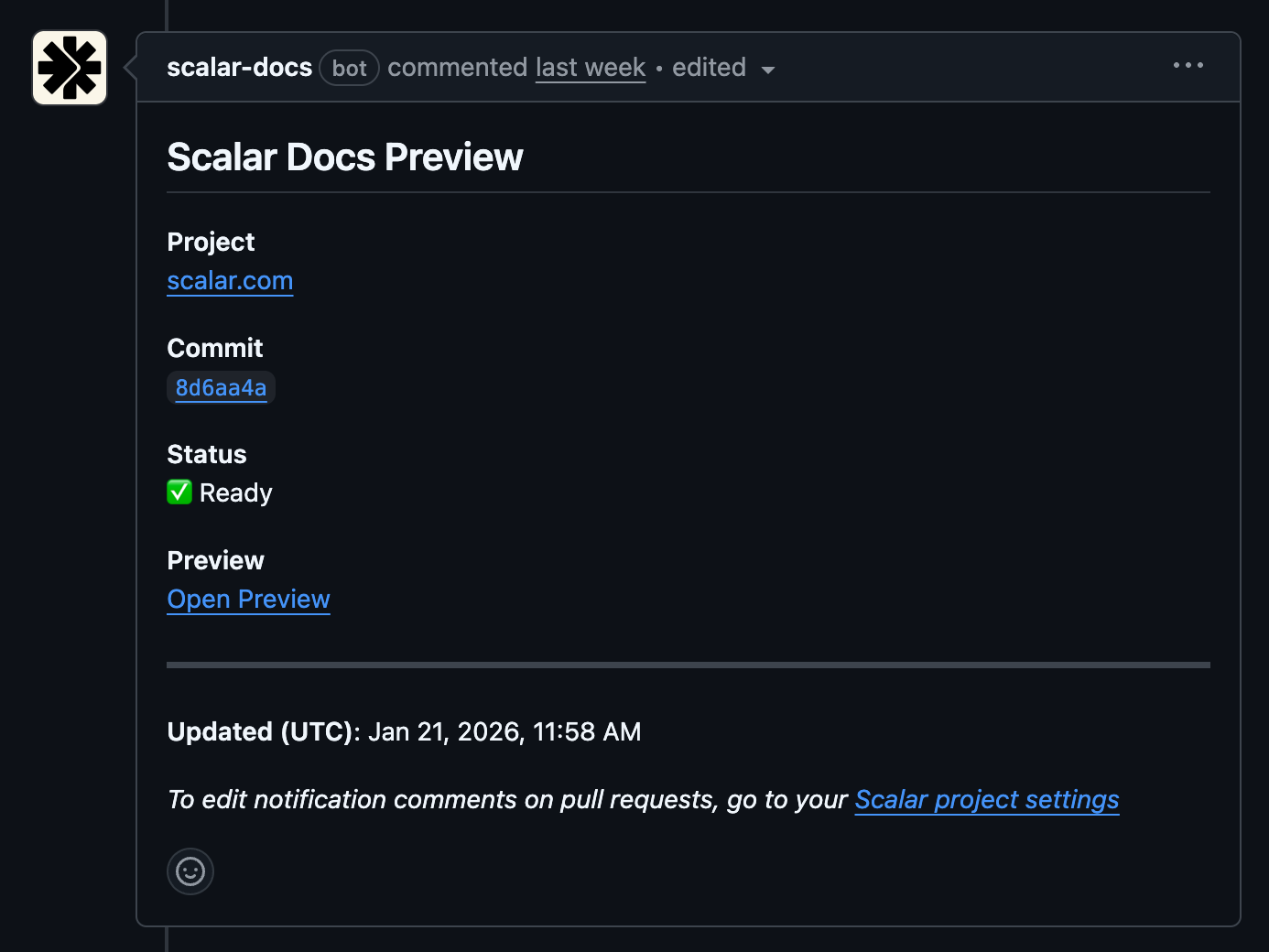
When enabled in the Dashboard, Scalar posts a comment on each pull request with a direct link to the preview deployment:
CLI
If your Docs project is not connected to your GitHub repository, use the CLI publish in preview mode (e.g. for pull requests) without going live:
npx @scalar/cli project publish --slug your-docs --preview
Other Deployment Options
Looking for more control over your deployment process?
- Automatic Deployment - Automatically publish when changes are merged
- GitHub Actions - Trigger deployments based on specific events
- CLI - Deploy from your terminal or any CI/CD environment
